
Plan the room before you buy the shelving.
Three working guides from our project engineers — written for facilities managers who need to defend a budget, not read a brochure. Each one is based on the same mobile compactor systems we manufacture and install.

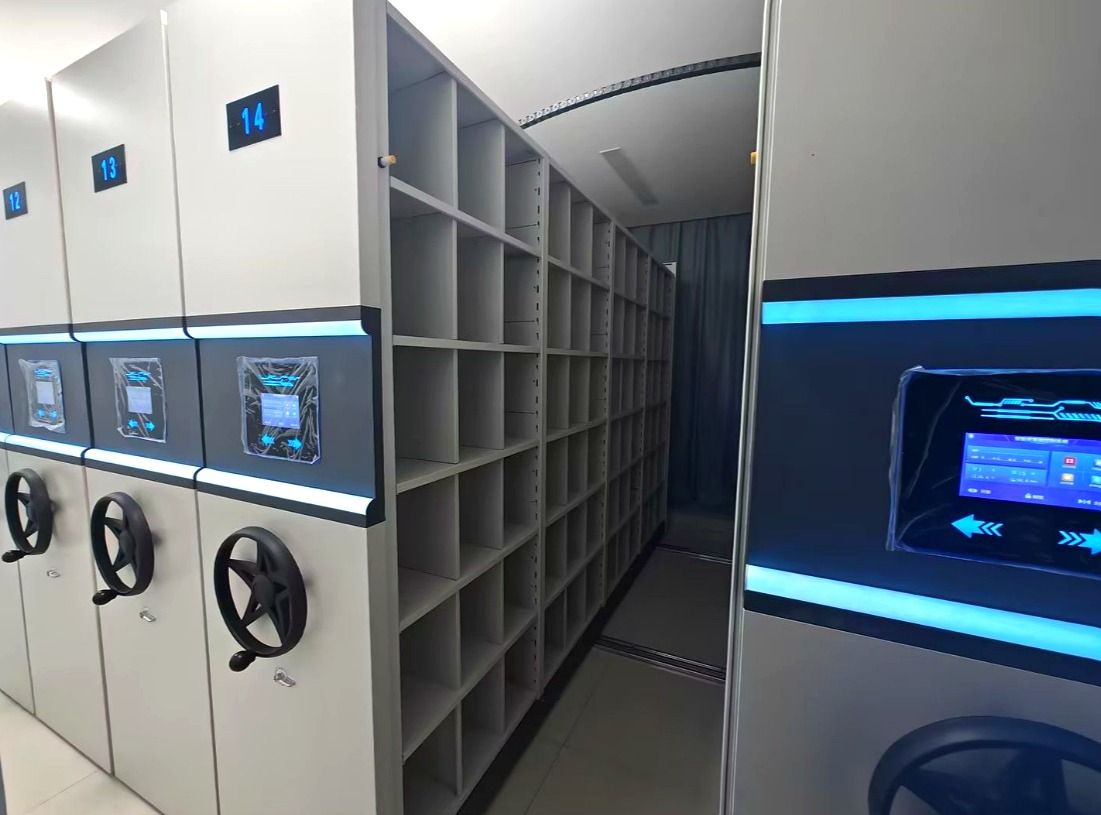
Manual vs Electric vs Smart
The same steel carriages can be moved three different ways — by hand, by motor, or by a system that knows which aisle you need. The right choice depends on retrieval frequency, staff count and security, not on the biggest catalogue.
- What each drive type costs to buy, run and maintain
- When a hand crank is genuinely the better answer
- What RFID tracking adds on top of a smart system
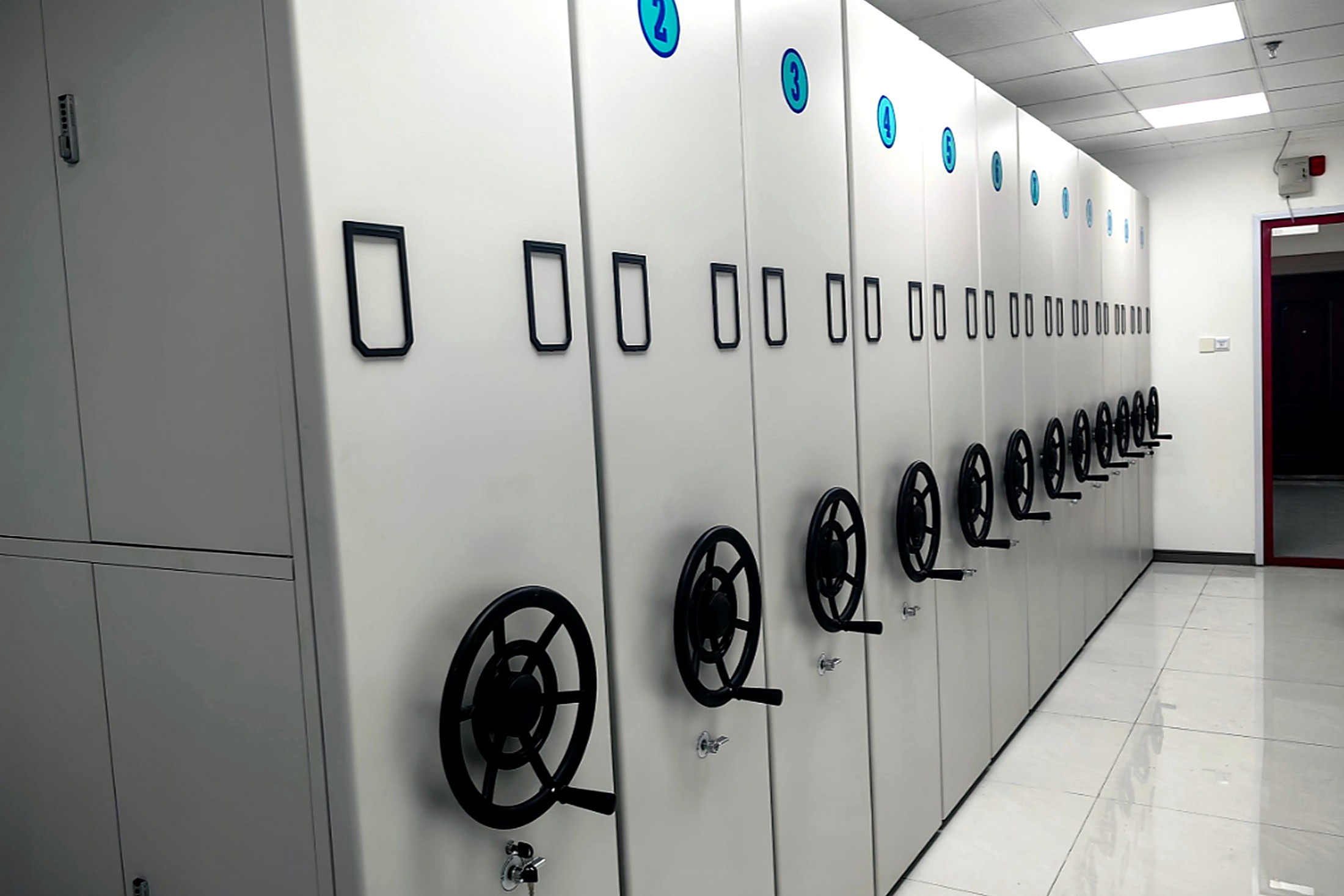
Archive Room Layout Guide
A mobile system only pays off when it fits the room it is given. This guide walks through the five surveys our engineers run before drawing a single bay — from column positions and door swings to the aisle the fire marshal will ask about.
- The five-step survey behind every layout we ship
- Aisle widths that pass inspection the first time
- Zoning by retrieval frequency, not by department
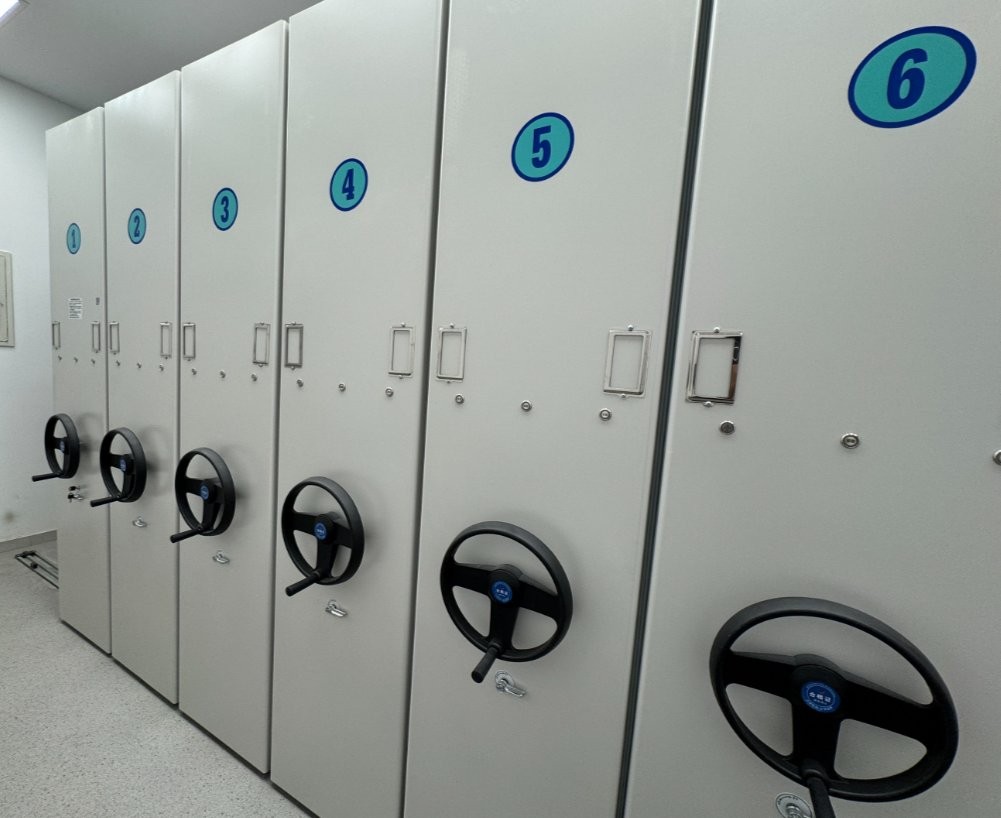
Capacity Planning Guide
Capacity is arithmetic, not guesswork. We show the full calculation — usable floor, bay dimensions, units per shelf — and work a real 54 m² room from empty floor to a numbered box count you can put in a requisition.
- The four-factor formula our engineers use
- Per-bay capacity for boxes, files and bound volumes
- Floor loading figures your structural engineer will ask for
Questions we hear in every first meeting.
Documentation and procurement support
Prefer to skip the reading?
Send us the room dimensions and what you store. A project engineer returns a layout and capacity plan within two working days.